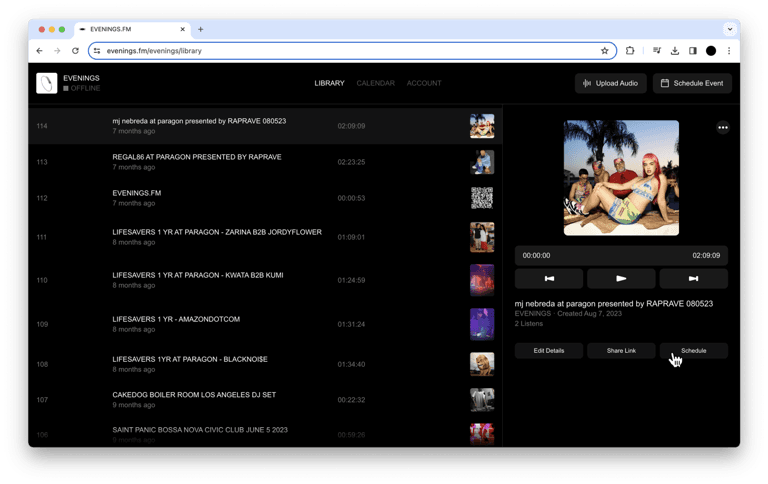
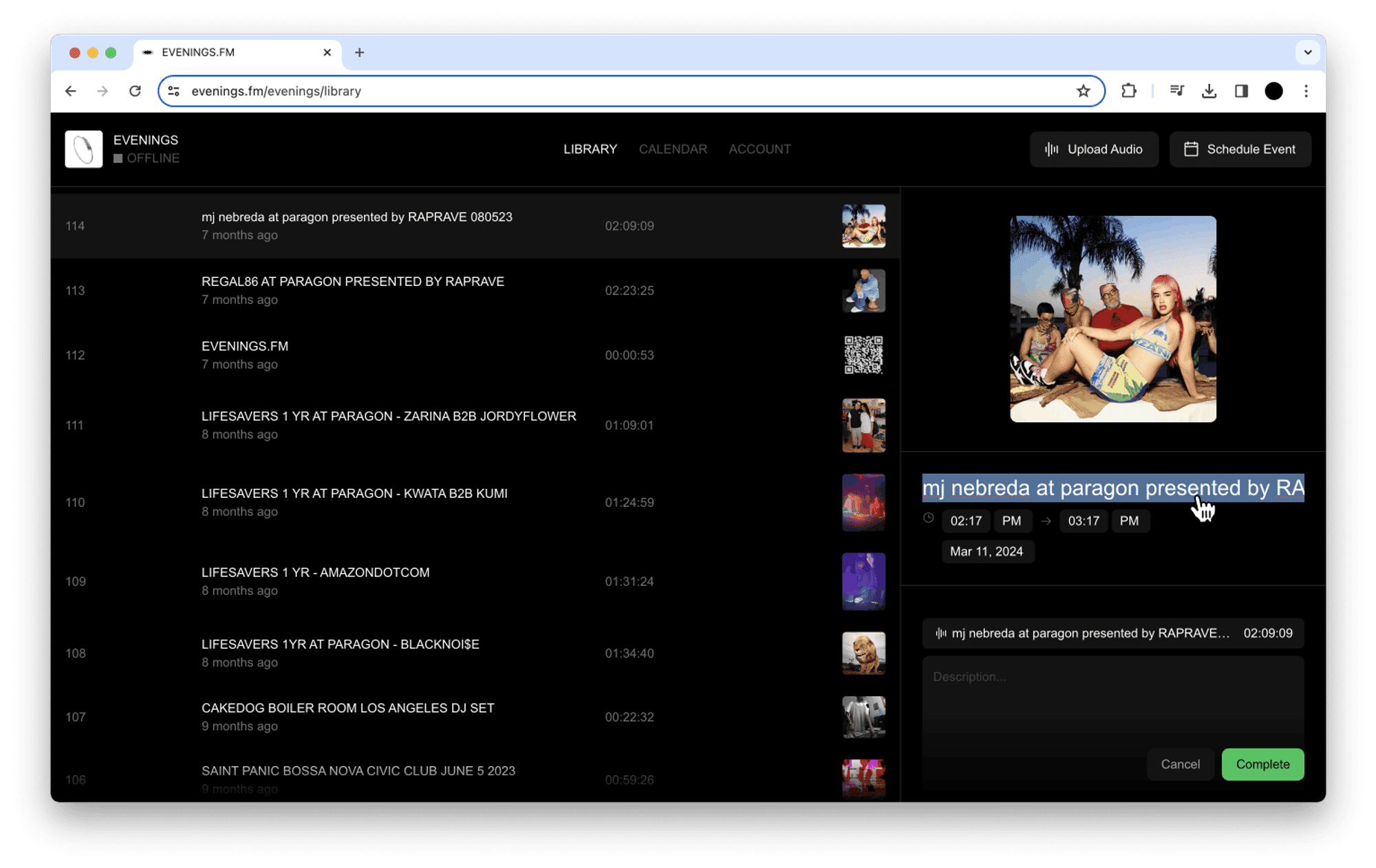
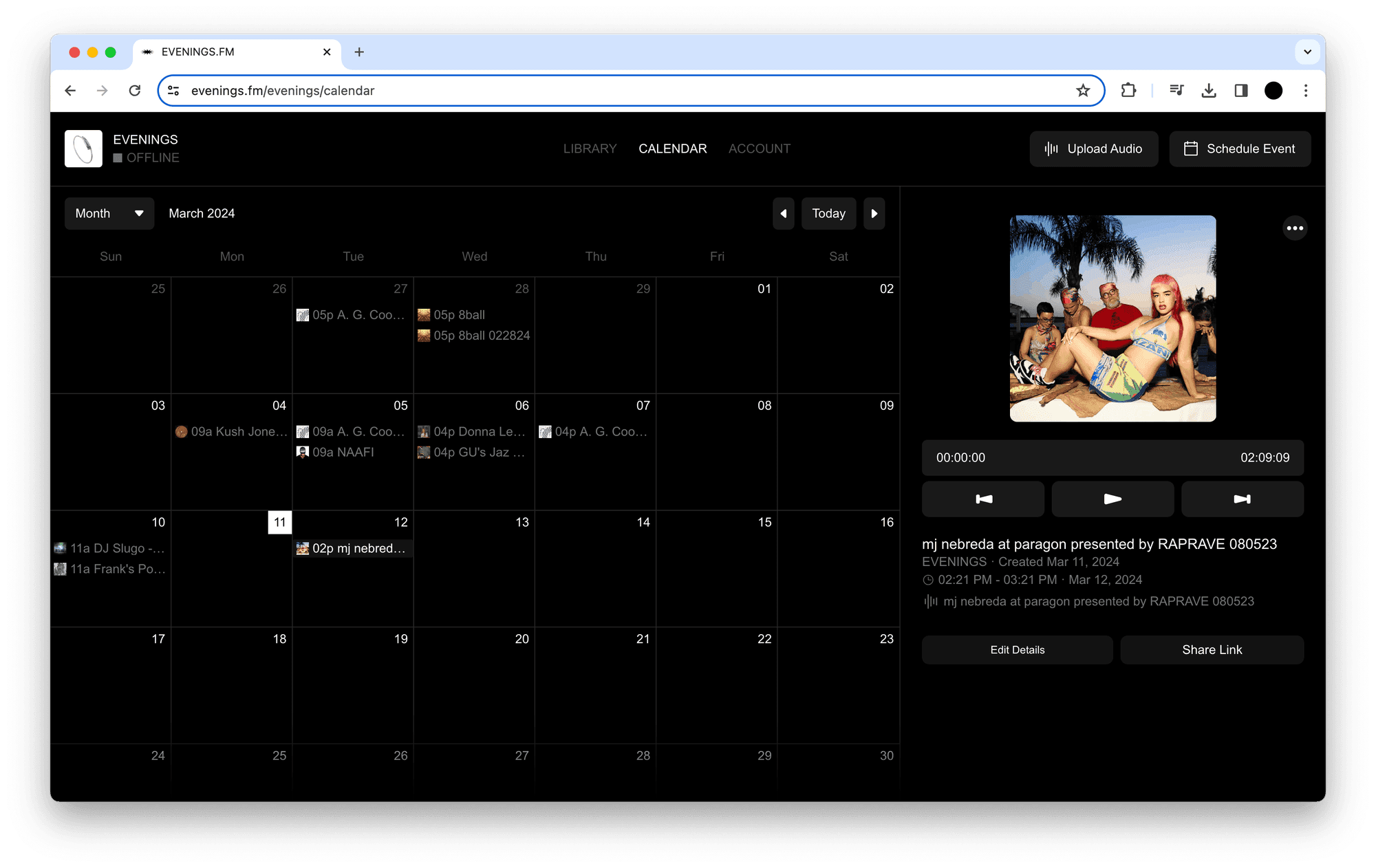
How to schedule a prerecorded livestream
Evenings

Learn how to use the Evenings Upload Page feature to let guests upload and host audio files on your station with a password, no login credentials required.
Step-by-step guide to building a custom audio player in Framer using a React code component that streams your Evenings station live on your site.
A quick guide to rename a broadcast on Evenings.fm: open your live station details, click Edit Details, update the title field, and save your changes.
Learn how to schedule a live broadcast on Evenings.fm, add show details and cover art, and have the recording saved to your library automatically.
Learn how to enable Always On streaming on Evenings.fm to run a 24/7 internet radio stream that automatically rotates through shows in your library.
Learn how to embed an HTML audio player on any website using plain HTML, CSS, and JavaScript that streams your Evenings station and shows its live status.
Learn how to broadcast with Audio Hijack on your Mac, from creating a Live Stream session to streaming audio to your Evenings.fm station over RTMP.
Learn how to stream audio with OBS to your Evenings.fm station, from setting up audio sources and RTMP settings to going live and archiving your broadcast.