How to use the Upload Page feature
Evenings

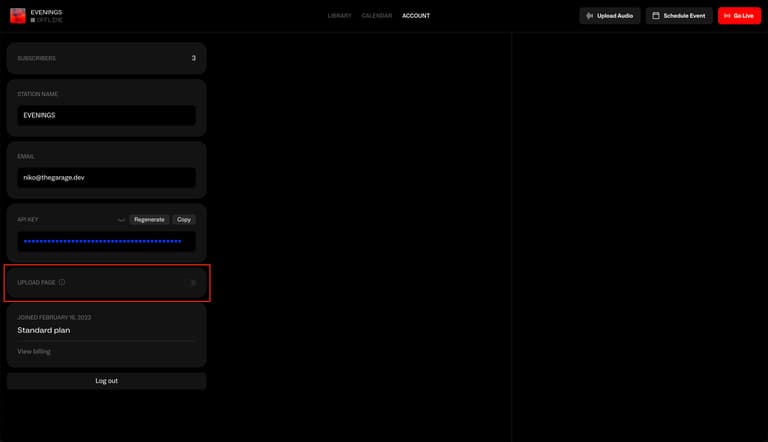
Enable Upload Page feature
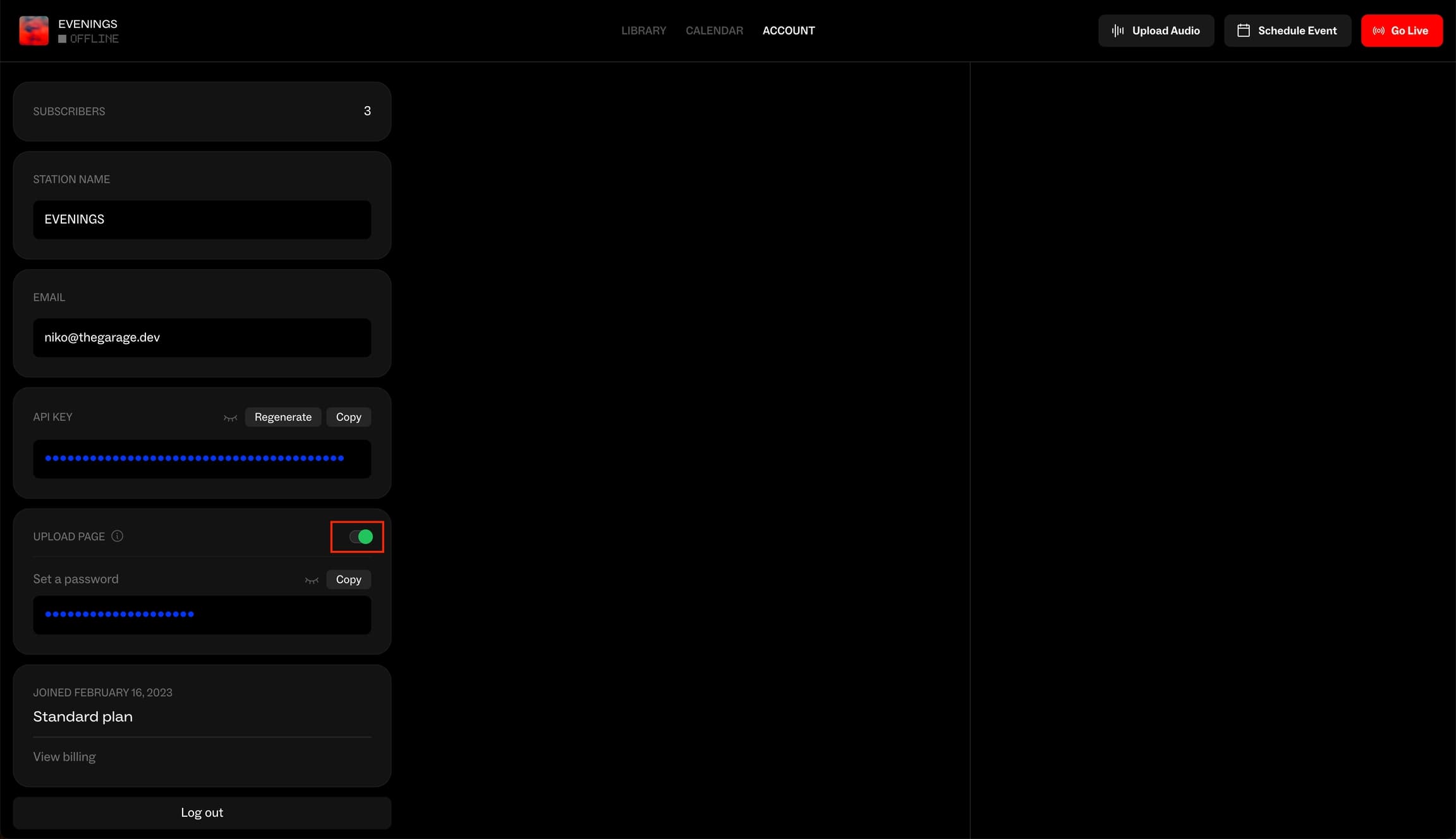
You can turn on the Upload Page feature by going to the Account page and clicking the toggle next to 'Upload Page'.
This will dropdown an input that allows you to customize a password for the Upload Page.
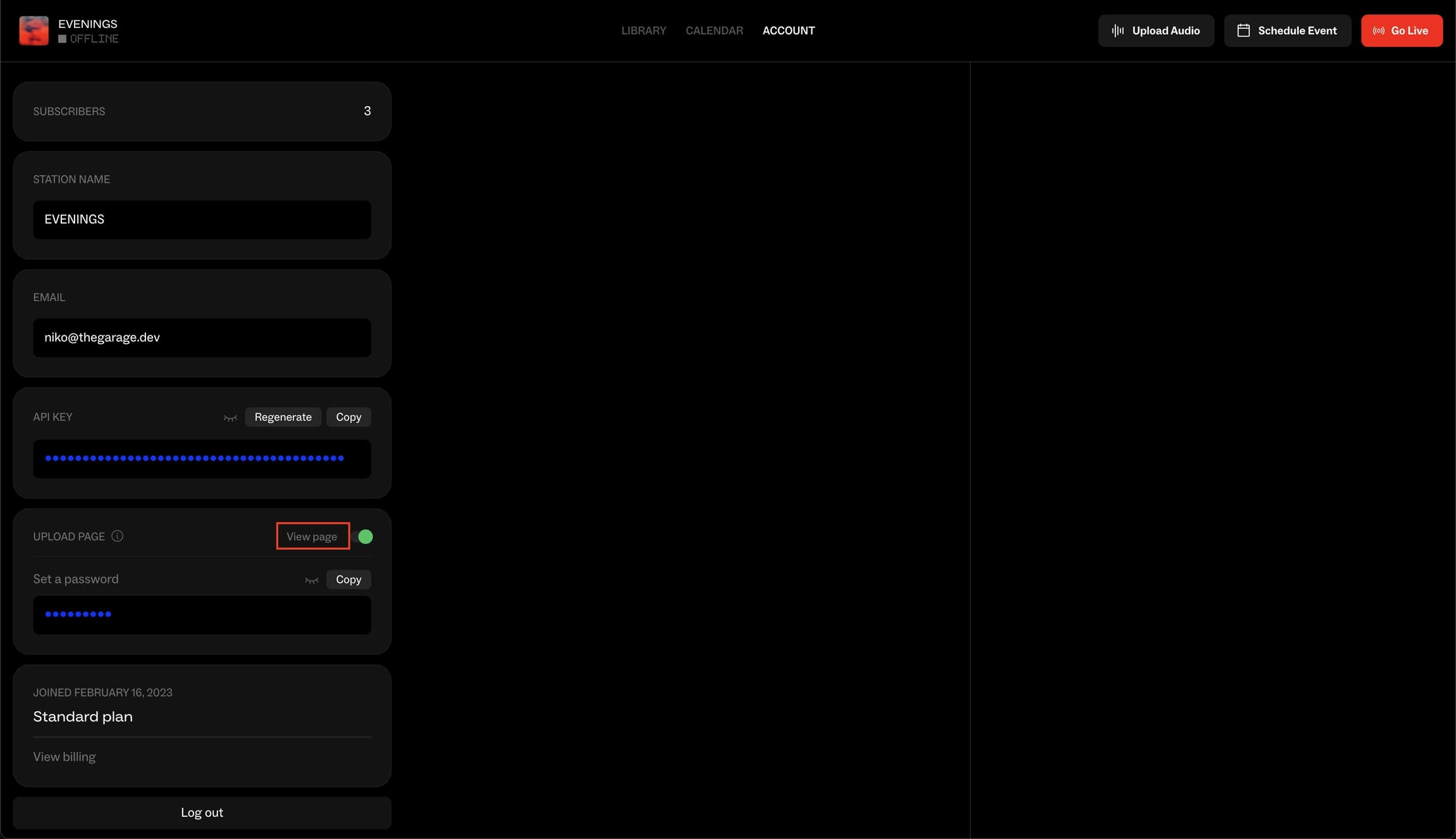
Visit Upload Page
You can visit the upload page by clicking on the 'View page' link once the feature has been enabled.
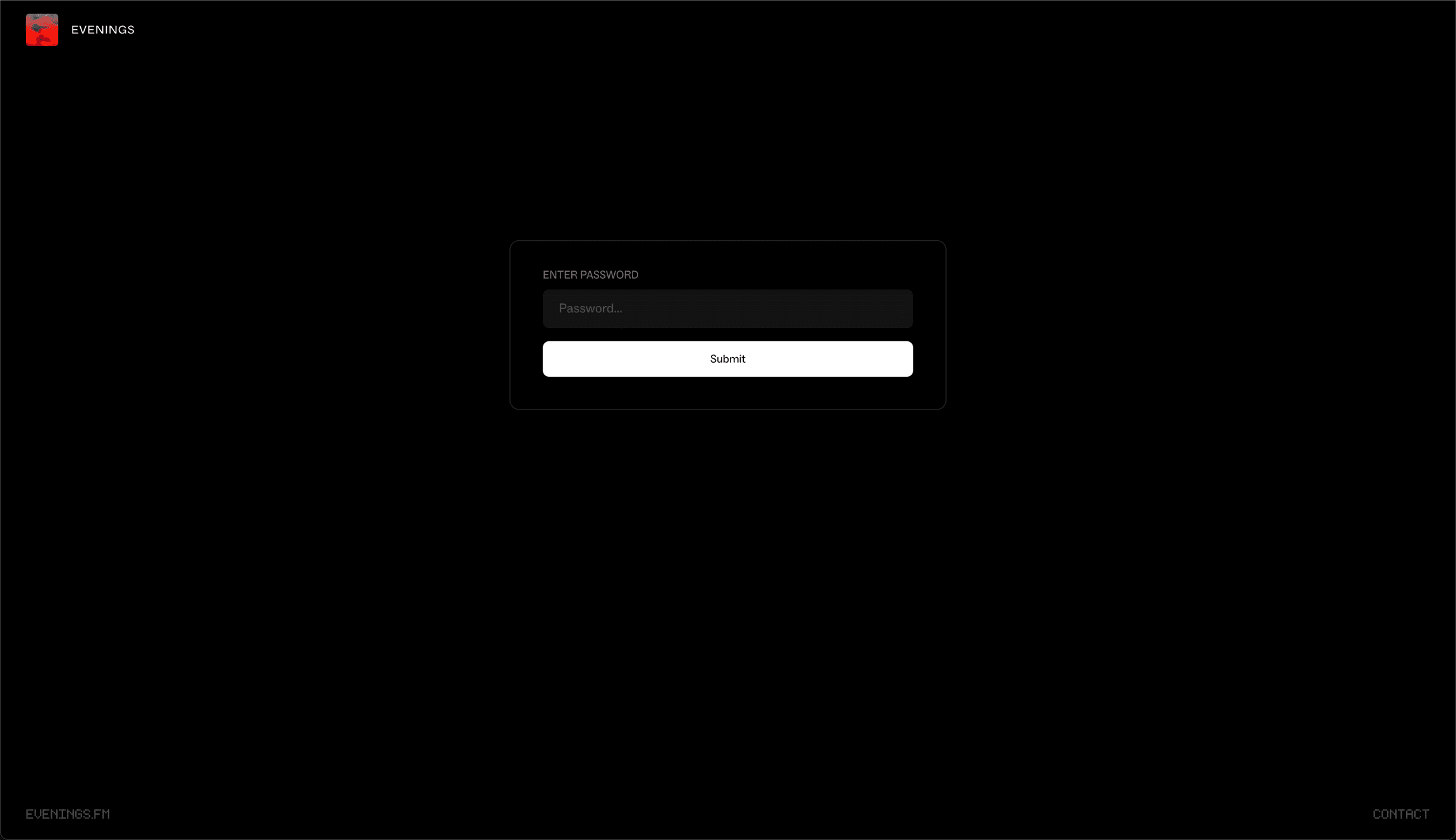
Visitors to the Upload Page will have to enter the password set previously in the password input.
Upload Audio
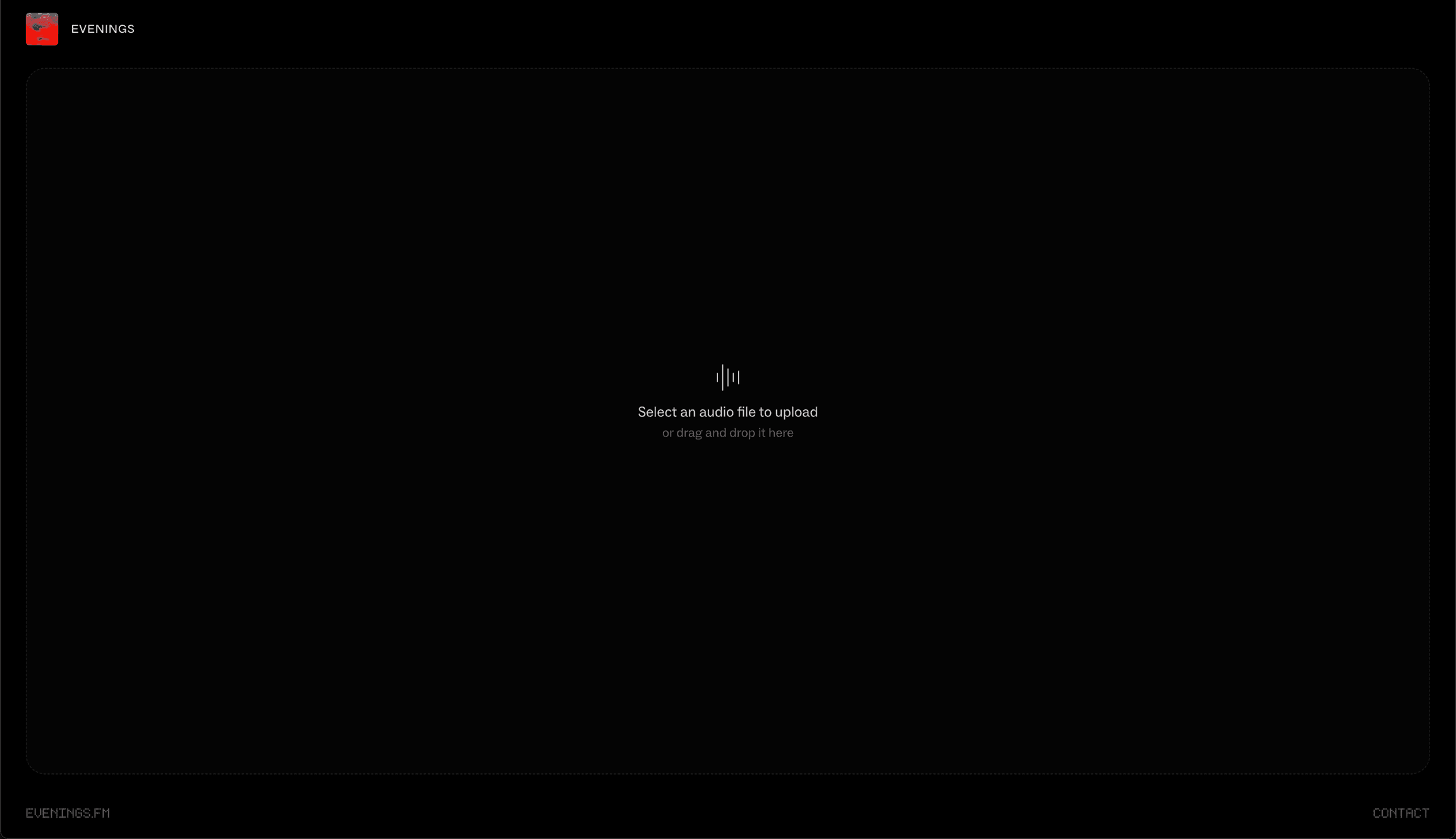
Once the password has been entered, you can drag and drop or simply select audio that you want to upload to that station.
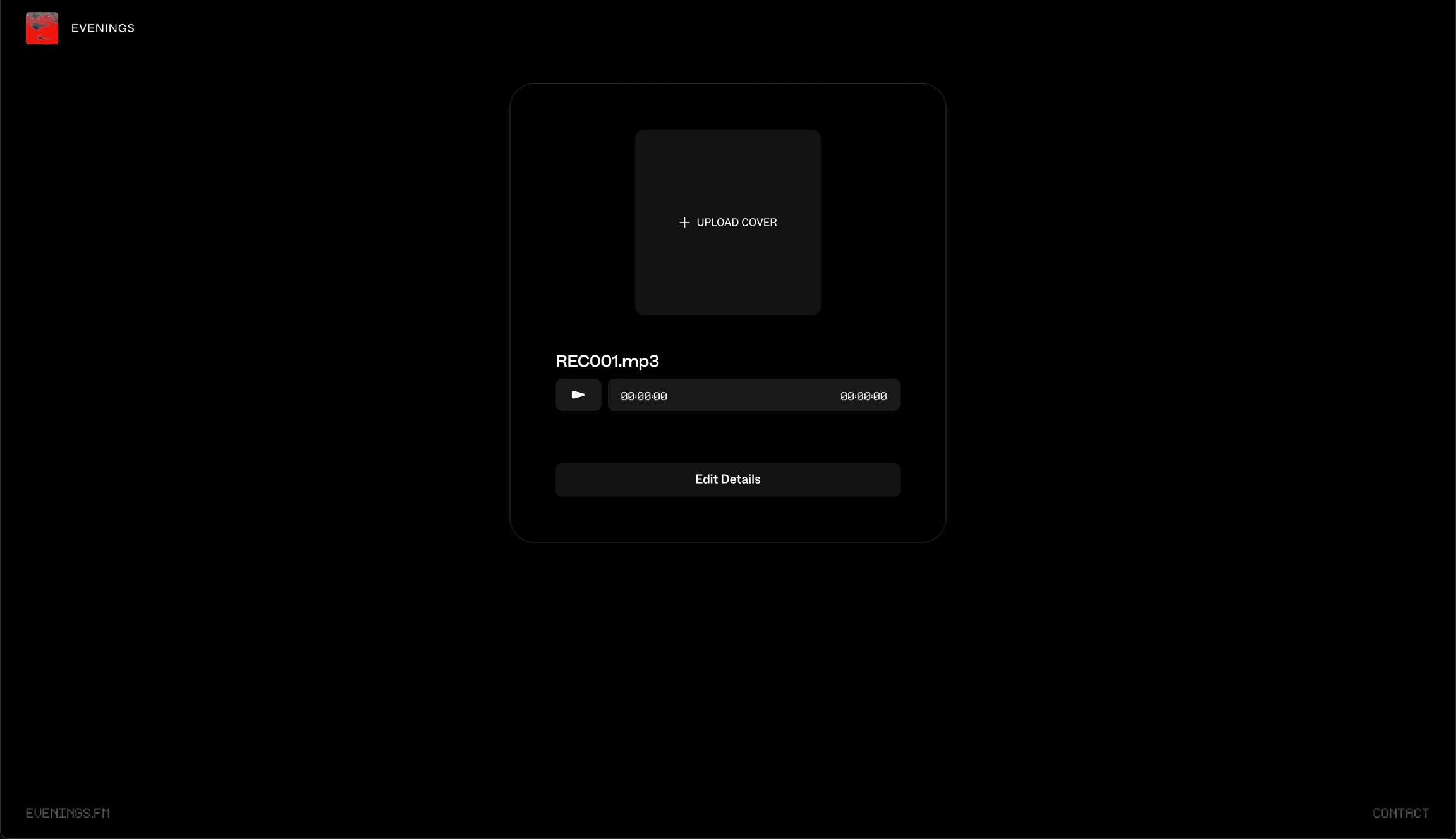
Once the track has been uploaded, you can play or edit the track and you can upload a track photo.
That’s it!
We hope you enjoy this feature. For further questions reach out to contact@evenings.email.