
API
API Keys
Updated
Your API key lets your own code manage your station's tracks and read its listener count. This page shows how to create one, use it and replace it.
Generate a key
- Sign in to Evenings and open the Account tab.
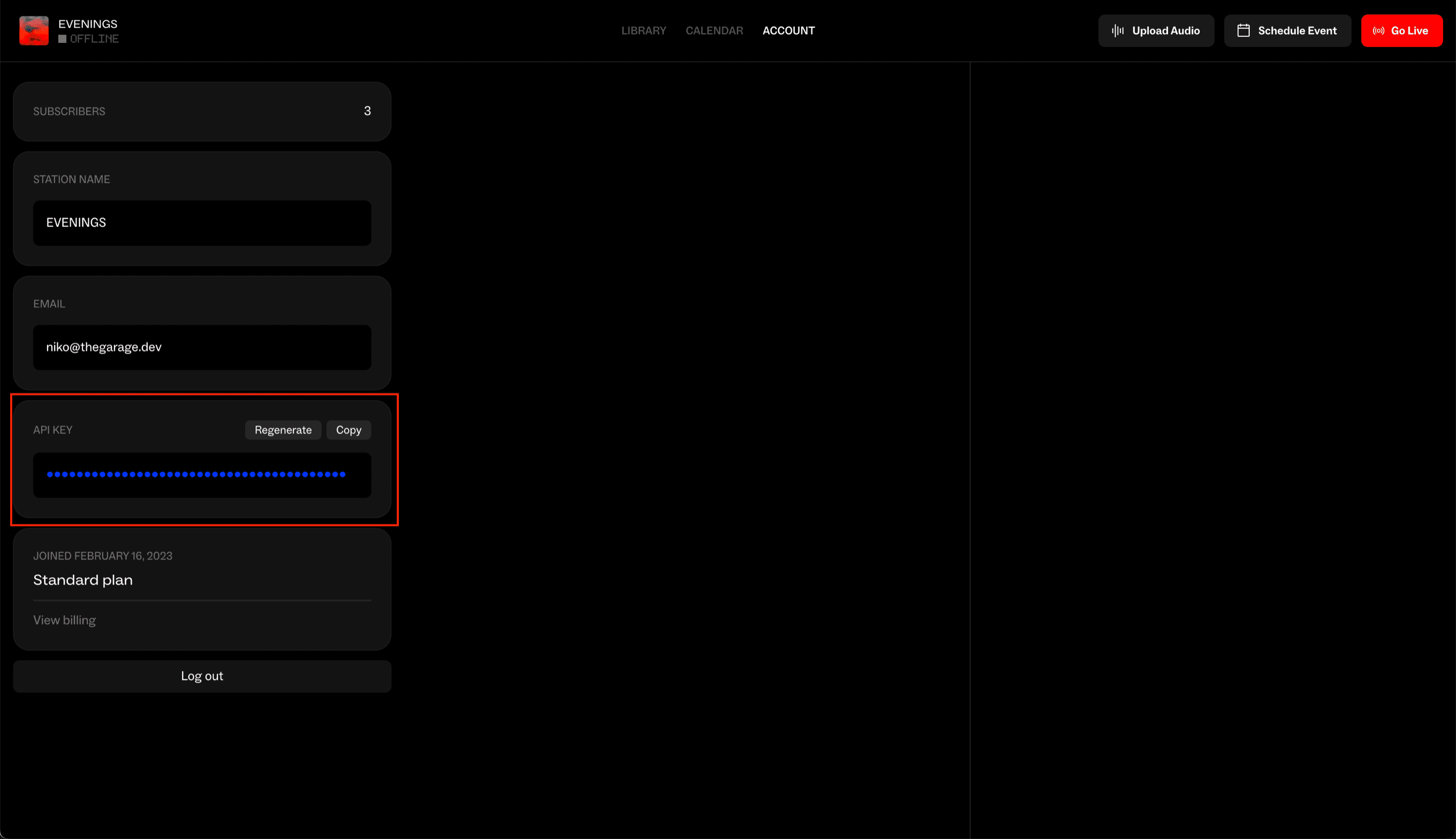
- In the API Key card, click Generate.
- Click Copy and keep the key somewhere safe, such as your server's environment variables or a password manager.
Each station has one API key, and it only works for that station.
Send it with a request
Put the key in the Authorization header as a Bearer token:
curl https://api.evenings.co/v1/tracks \
  -H "Authorization: Bearer YOUR_API_KEY"
A missing or wrong key returns 401 with this body:
{
  "title": "The gate is closed 🌞",
  "error": "The API key or session token is missing or invalid. Send a current one as a Bearer token in the Authorization header."
}
Since October 2026, the message is in error. If your code read it from message, switch it to error.
The API quickstart lists which endpoints need a key and which are public.
Find your key again
Your key stays in the API Key card on the Account tab. It's masked by default. Click the eye icon to show or hide it, Copy to copy it, and Regenerate to replace it.
Keep it private
Anyone with your key can upload, edit and delete your station's tracks. Keep it in server-side code and out of web pages, apps and public repositories. Players and schedule embeds use the public endpoints, which need no key.
Regenerate a key
If your key has been exposed, or someone who had it no longer should, replace it:
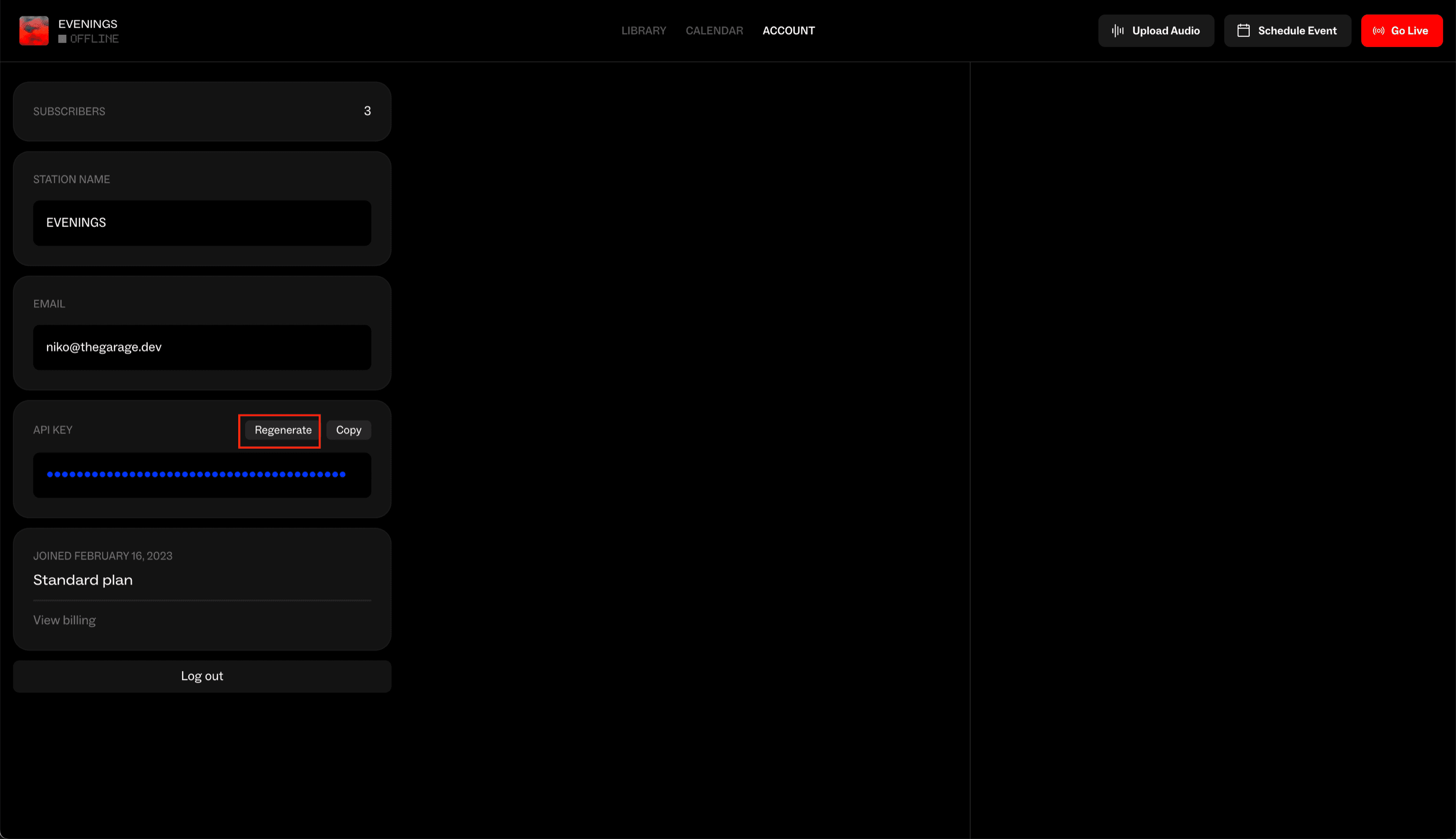
- In the API Key card, click Regenerate.
- Confirm. We'll ask first, because this can't be undone.
- Copy the new key and update every app and script that used the old one.
The old key stops working within about a minute, so have the new one ready to deploy before you regenerate.
Next steps
With a key in hand, the Tracks API is where most stations start. If a key that should work keeps returning 401, email contact@evenings.email with the endpoint you're calling, and leave the key itself out of the message. We'll look into it with you.